Kenbot is a game that guesses who the user is thinking of based on their responses to a series of questions. This project is very special to me because it was my first coding project, and I worked on it during the summer before my freshman year at UC San Diego. My partner and I wrote and tested all the code in less than two weeks, with a limited knowledge of Python, HTML, CSS, jQuery, and programming concepts as a whole. If you want to try the game out without reading this entire writeup, click here!
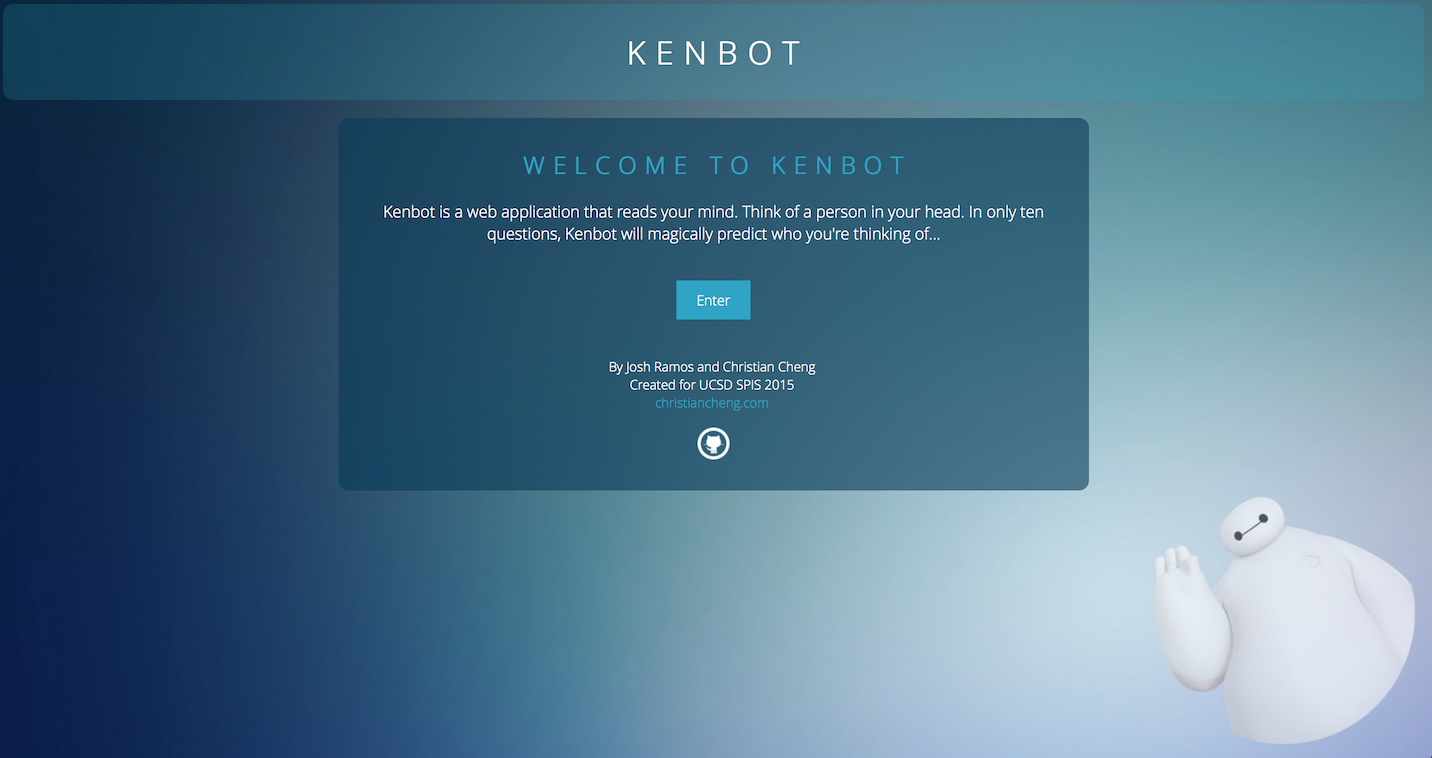
Frontend: HTML, CSS, jQuery | Backend: Python | Hosting: Heroku, Flask
As a team, we mostly split up the work between front-end and back-end, but collaborated on both ends to develop Kenbot together. I was responsible for most of the front-end and design work on the application. We chose to use Python to implement the back-end because that was the (only) language we were most familiar with! Additionally, I had some experience in making Neopets pages with HTML and CSS while growing up, so I was able to throw together a (hopefully) aesthetically pleasing template for the game.
Although some of the project was smooth sailing, we definitely ran into some challenges. The most challenging technology that I used was jQuery. We decided to focus on the user experience, and that we wanted the website to have smooth animations, so figuring out how to make the pages fade-in and how to properly time the transitions was a fun challenge. We used Flask to host Kenbot as an application on Heroku, so it's open to the public to play around with!
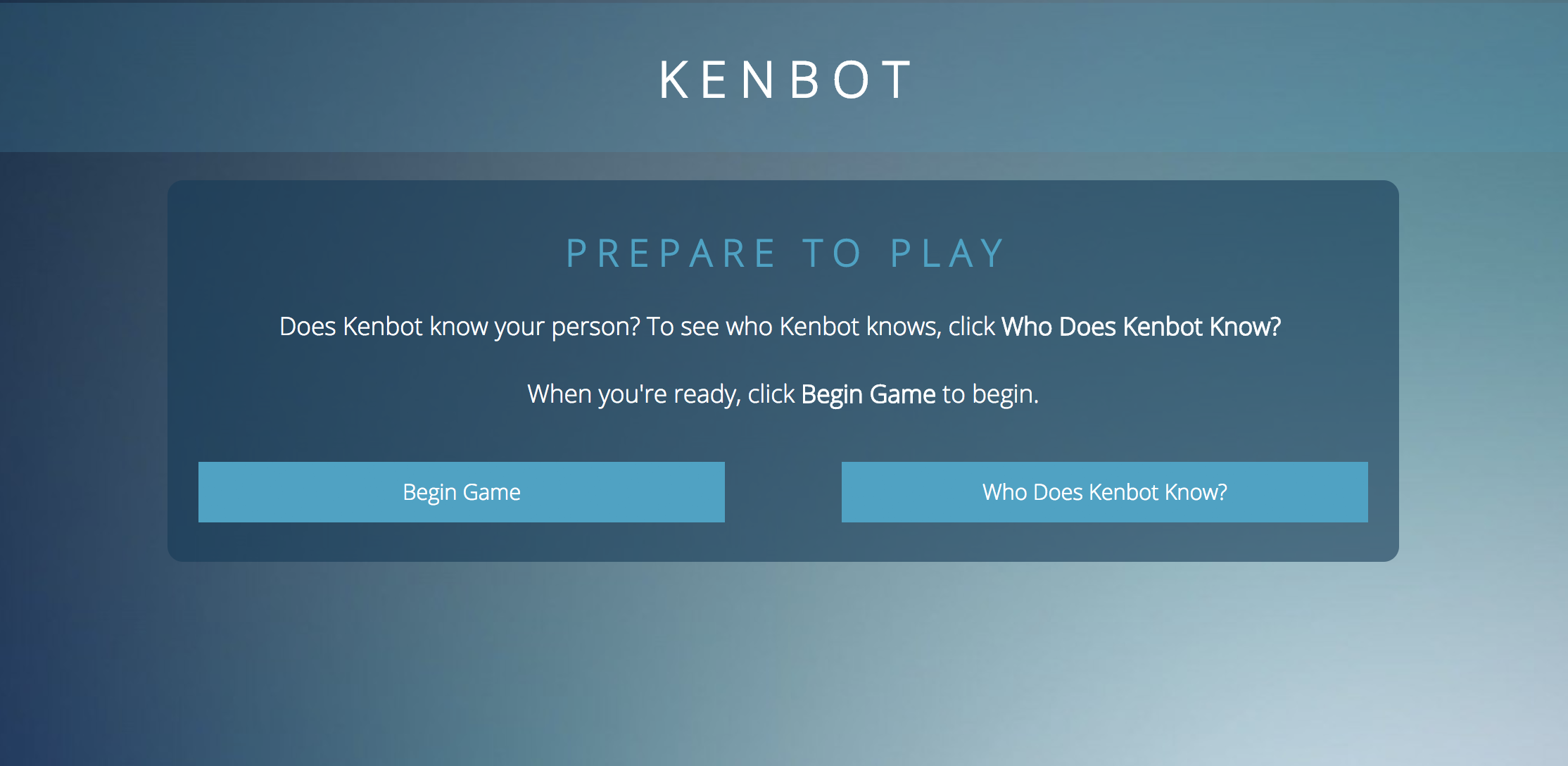
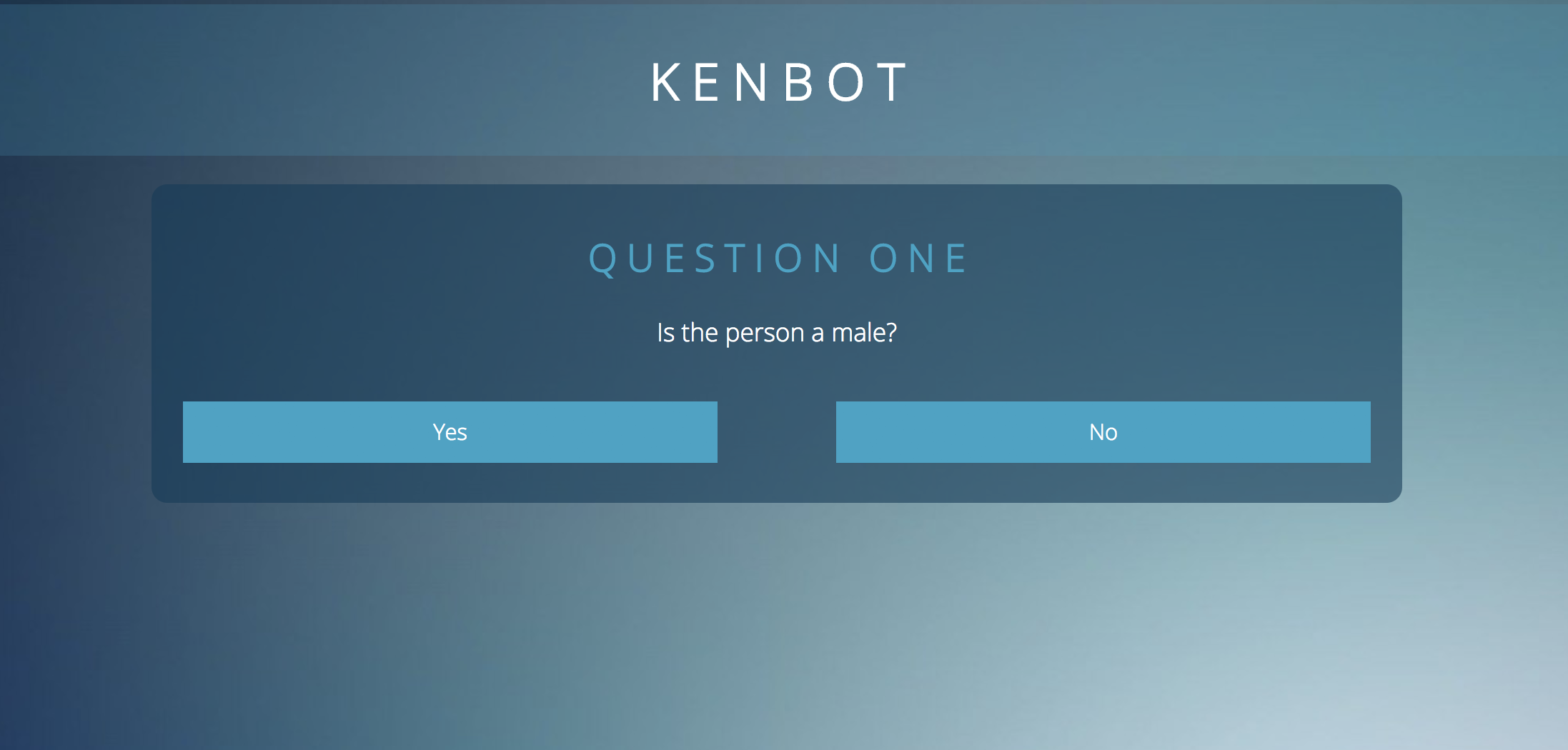
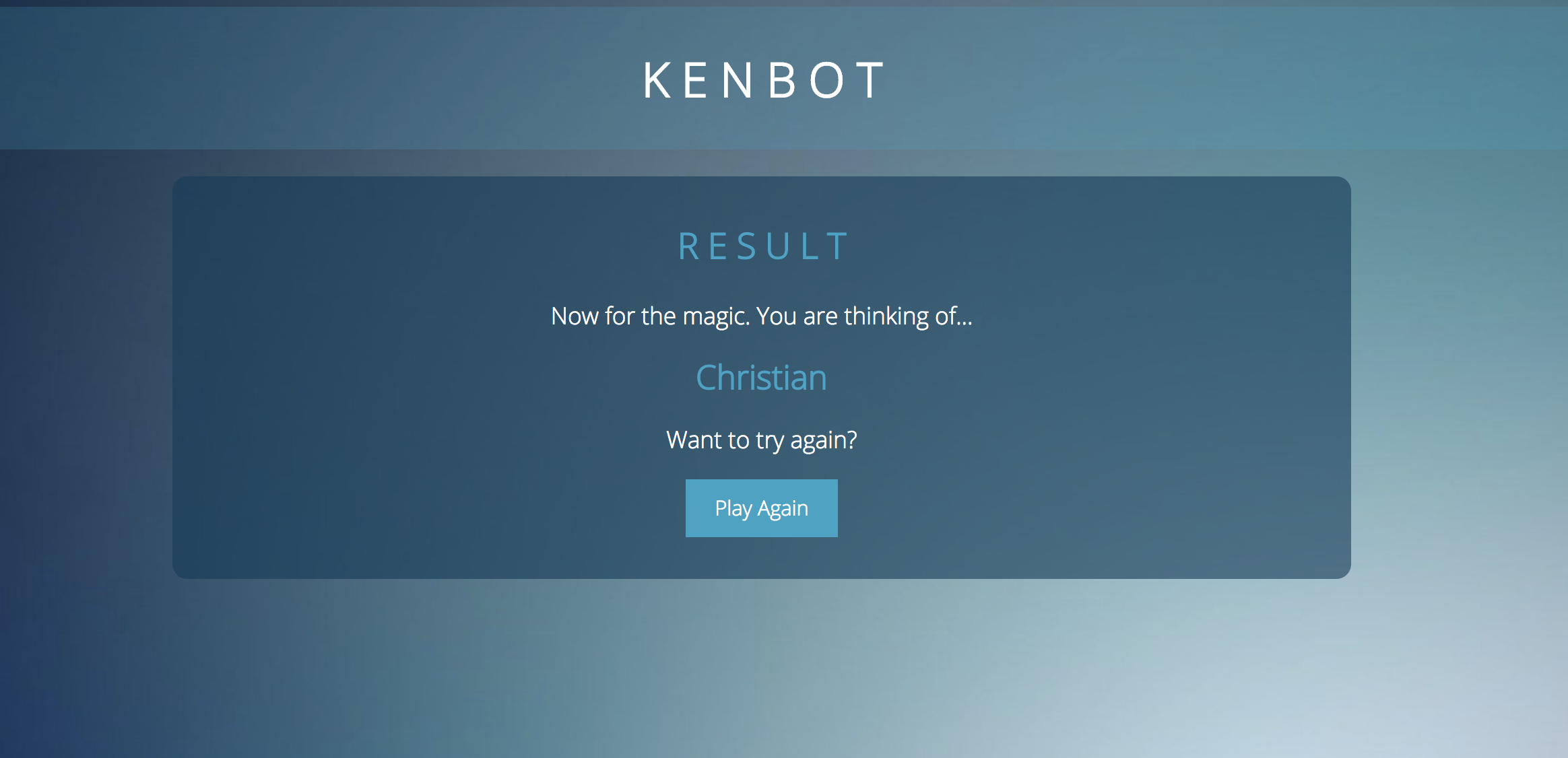
In order to create the application, we had to survey students so that we could use them as options in the game. After conducting a survey of student attributes, we created a spreadsheet that allowed each student to have a unique combination of answers to the ten questions we chose. We used Python to parse through this CSV data, and also to match players' answers to the correct person that they were thinking of. When the program is confident that it has identified the right answer, it returns that answer to the player and outputs it on the screen!
We presented the completed project to other students and professors, and the general reception was great. It was amazing to see that others were impressed by our work, and the constructive criticism and advice we received was very helpful towards improving the overall application.
The key takeaway I had from working on Kenbot was that I could create anything, as long as I put in the work to learn how to do it. Coming into this project, I had basically no programming experience. It took countless hours of frustration, dozens of HTML/CSS tutorials, and hundreds of Stack Overflow queries for us to produce Kenbot. However, creating Kenbot helped us start our CS careers with the understanding that anything is possible, if you work hard enough and use your resources wisely.
Thanks for reading! If you enjoyed this writeup, make sure to check out Kenbot by clicking here!